Take Action Today to Protect Patients
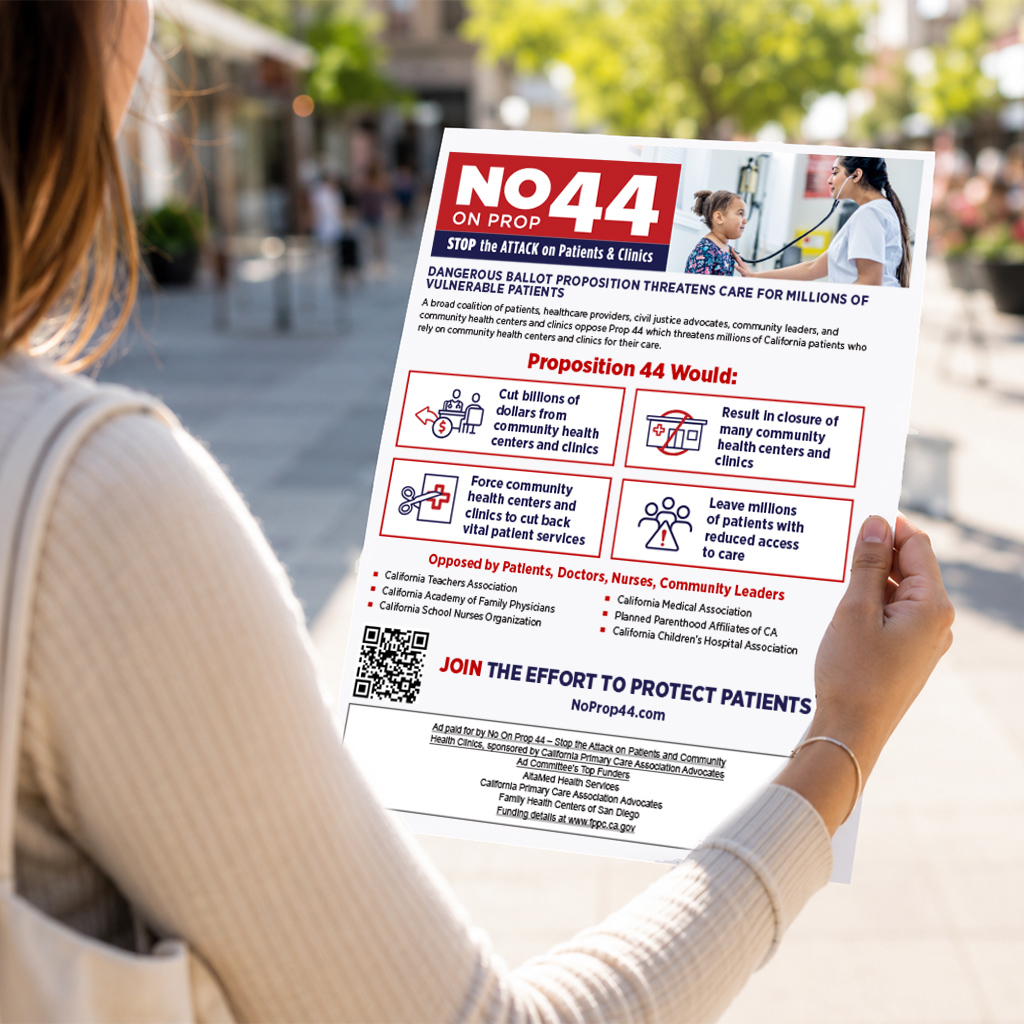
Prop 44 threatens access to care for millions of patients who rely on community health clinics. Join us—share your story, spread the word, and help stop this dangerous attack on patient care.
Are you registered to vote?
Check Your Voter StatusShare Your Story
Tell Californians why you oppose Prop 44 and why community health centers matter to you, your family, and your patients.
Record Your Story Write Your StoryShow Your Support
Customize Your Social Media
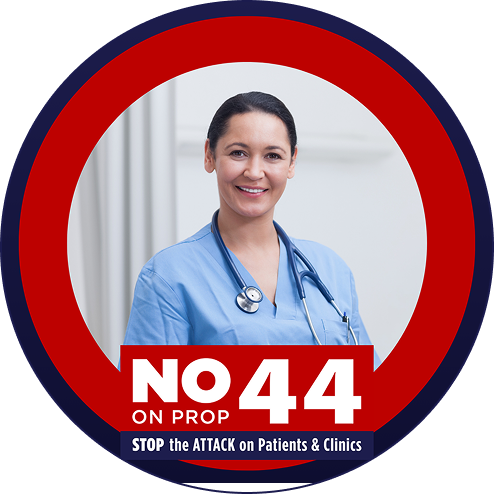 Visit the template
When you open the template, click the image you want to replace. Upload your new image. Drag the new image onto the placeholder. Click Share --> Download, choose PNG, then click download
 Download
Click to download the image and upload to your cover photo with the caption: Vote No on 44.
Announce Your Endorsement
Share a News Release on your website to announce your organization’s opposition to Prop 44.
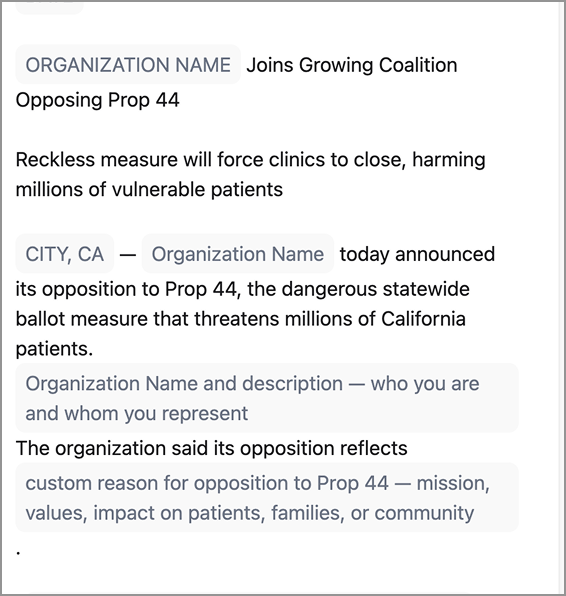
Download this news release template and personalize with your organization's information and to announce your organization's opposition to Prop 44
DownloadCustomizable Graphics
Customize these graphics with a quote and your organization’s logo to share across socials.




Share The Facts
Download Materials
Email A Friend
Know someone who cares about protecting community health centers and clinics? Email them to learn more about the campaign.
Send An EmailSpread The News
Get Involved
Sign up here to support community health centers and help protect care in our communities. Fill out the form to get involved and let us know if you're interested in volunteering with the campaign.
*By clicking “Get Involved” I consent to receive autodialed calls/texts at the phone number provided about campaign updates. Message and data rates may apply. Reply "STOP" to opt out. Text HELP for help.